MyNote
Your notes, right on your Home Screen. Simple and private.
One native app for iPhone, iPad, Mac and Apple Watch. Write a note, put it on the Home Screen, the desktop or the watch face, and it is there whenever you glance at any of your devices.
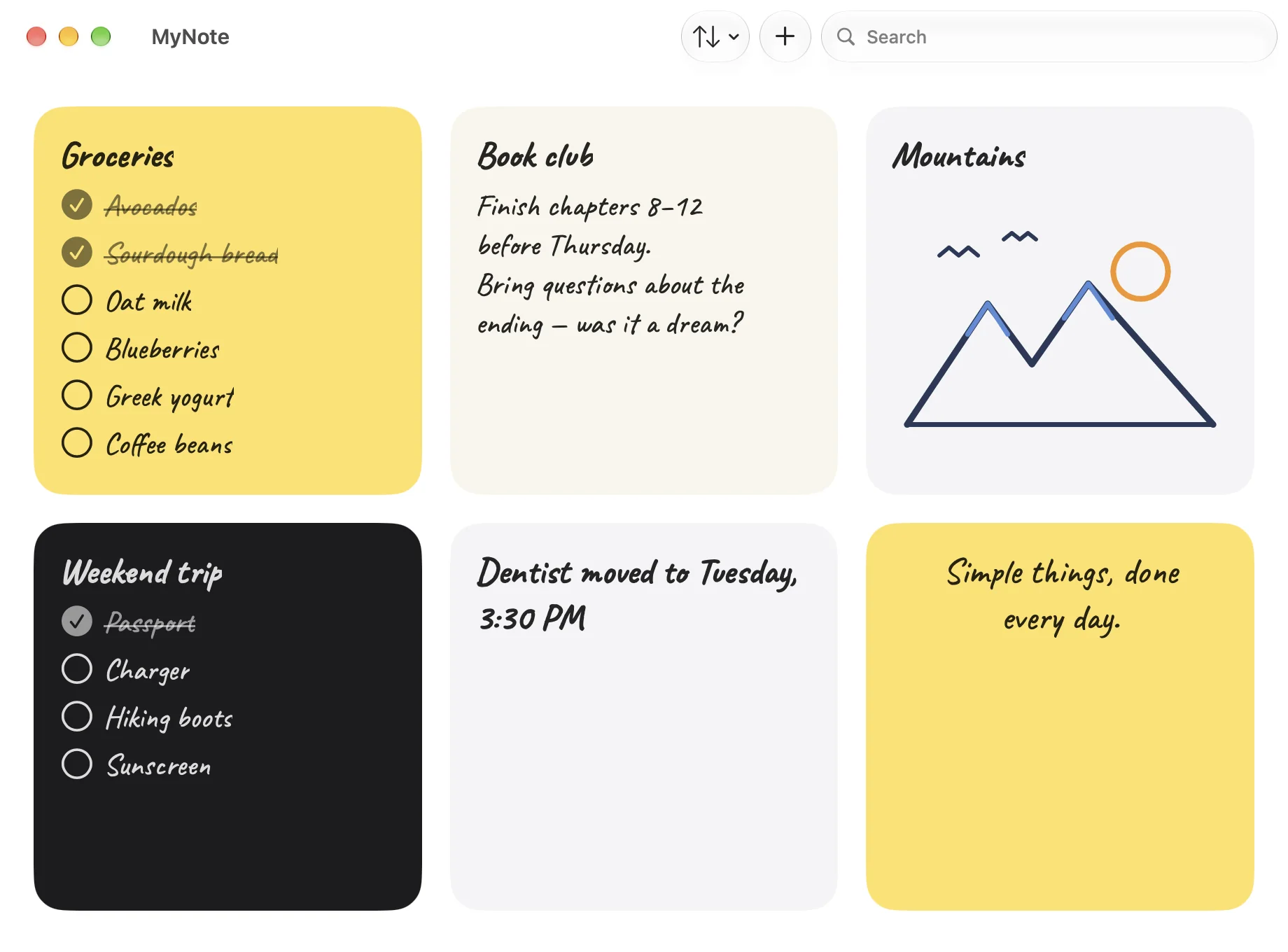
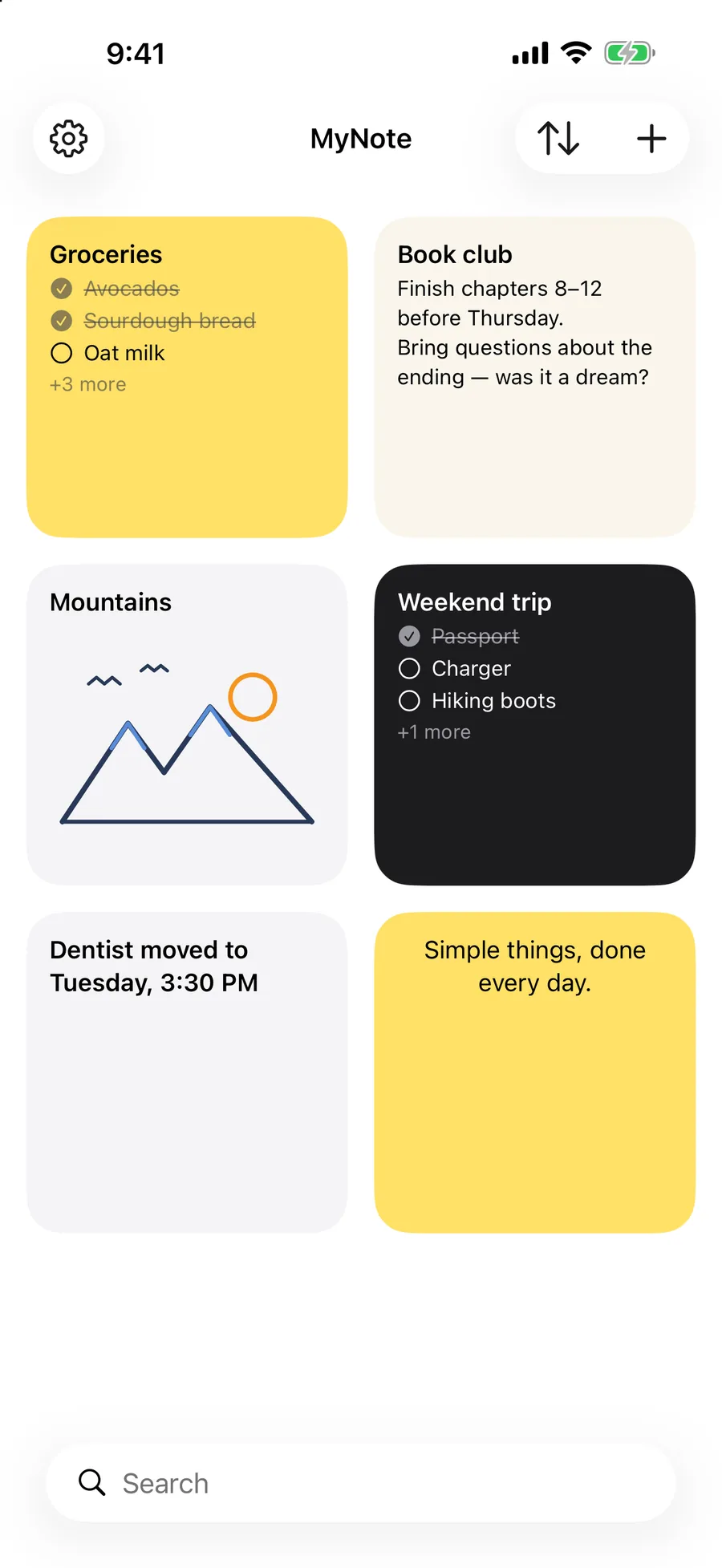
Three kinds of note.
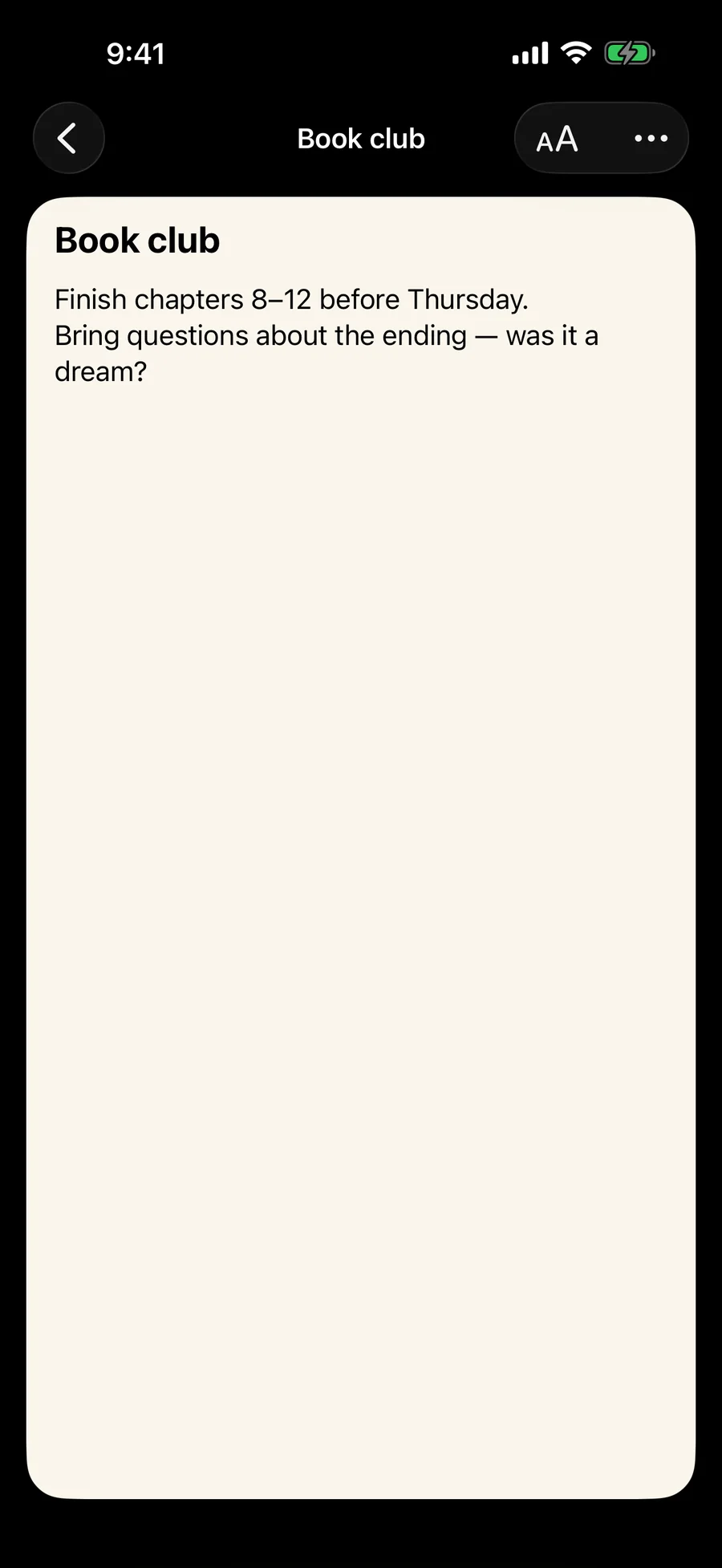
01
Text
A plain note for anything you need to write down. Pick a font, pick a color, and that is the whole setup.
02
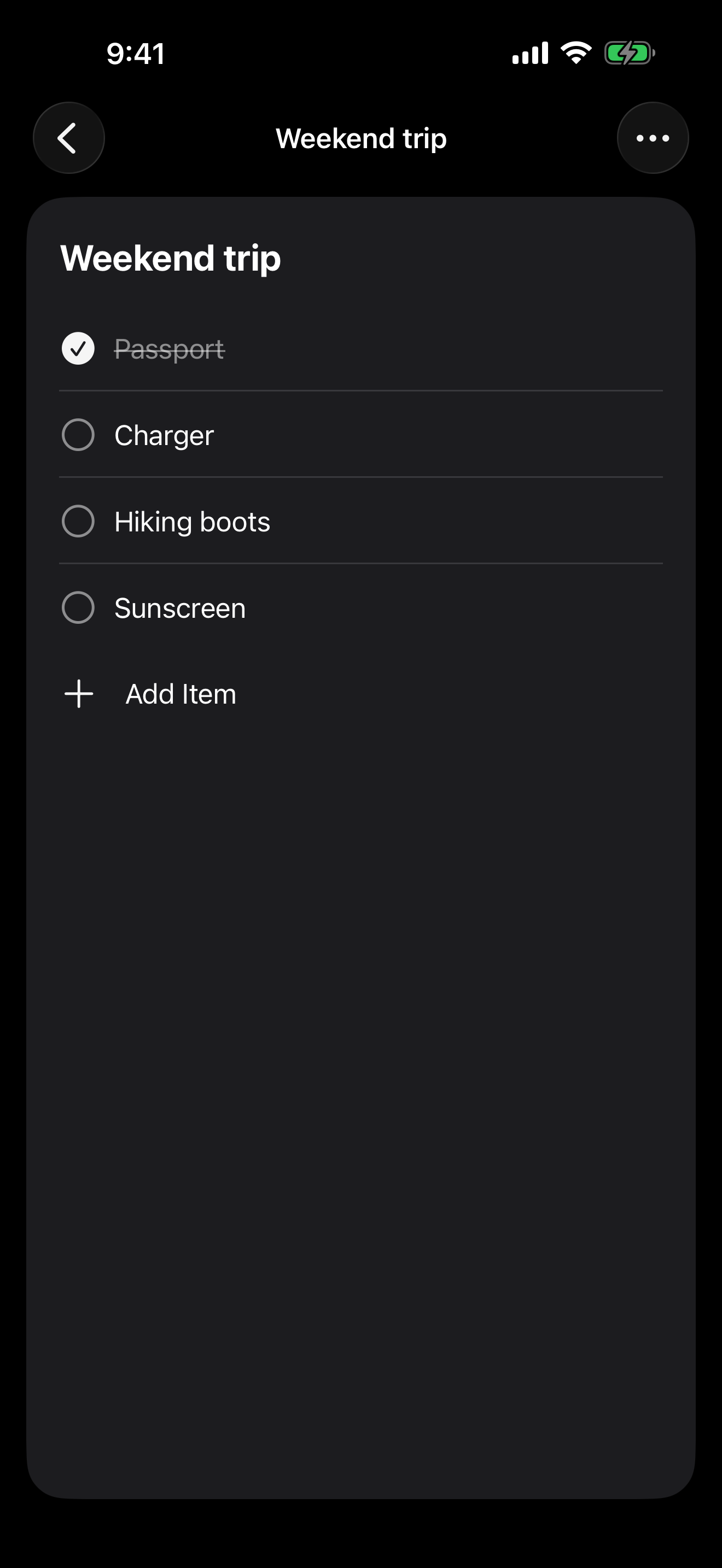
List
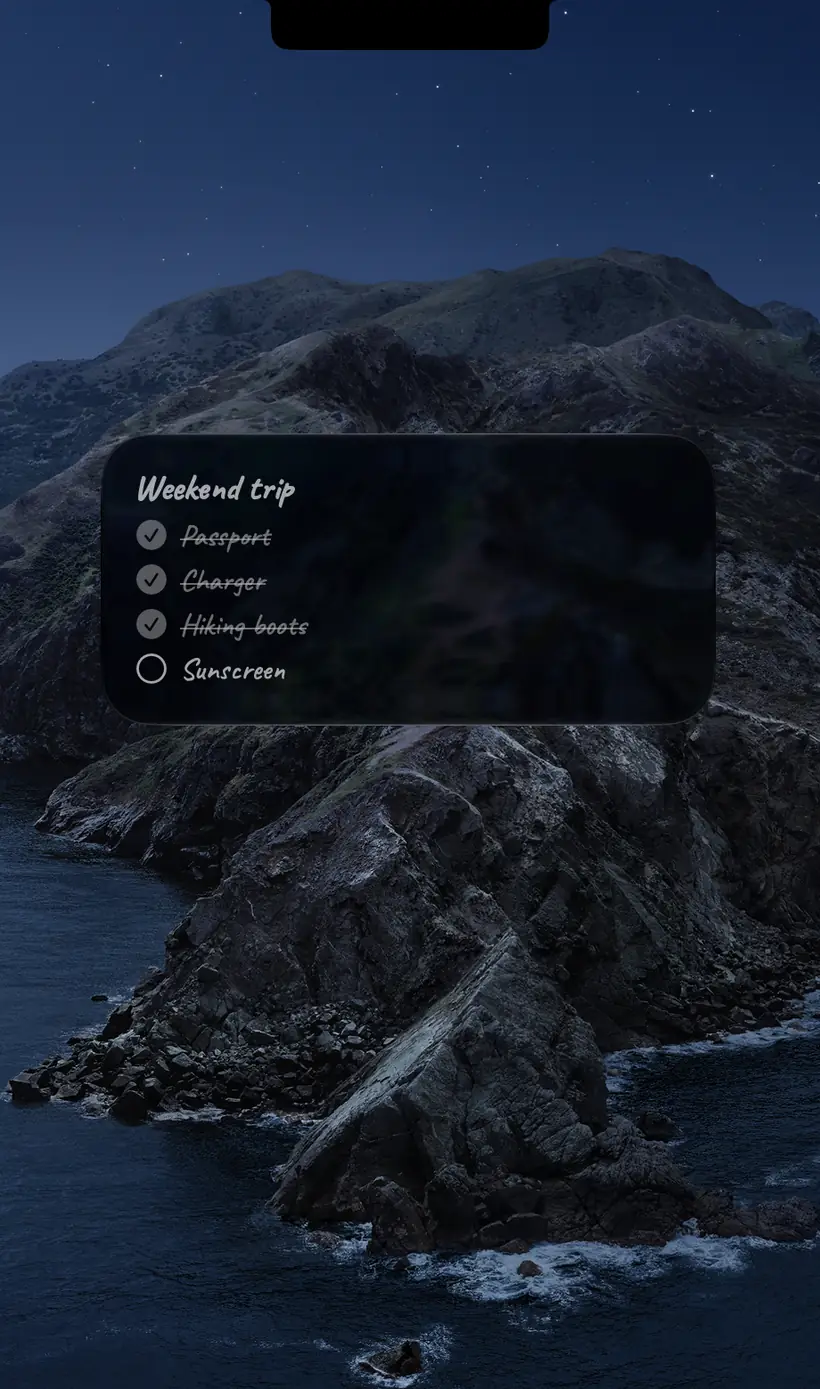
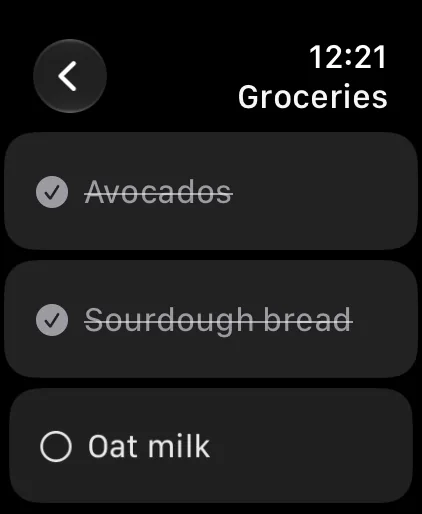
A checklist you can tick off in the app or straight from the widget. Checked items move out of your way.
03
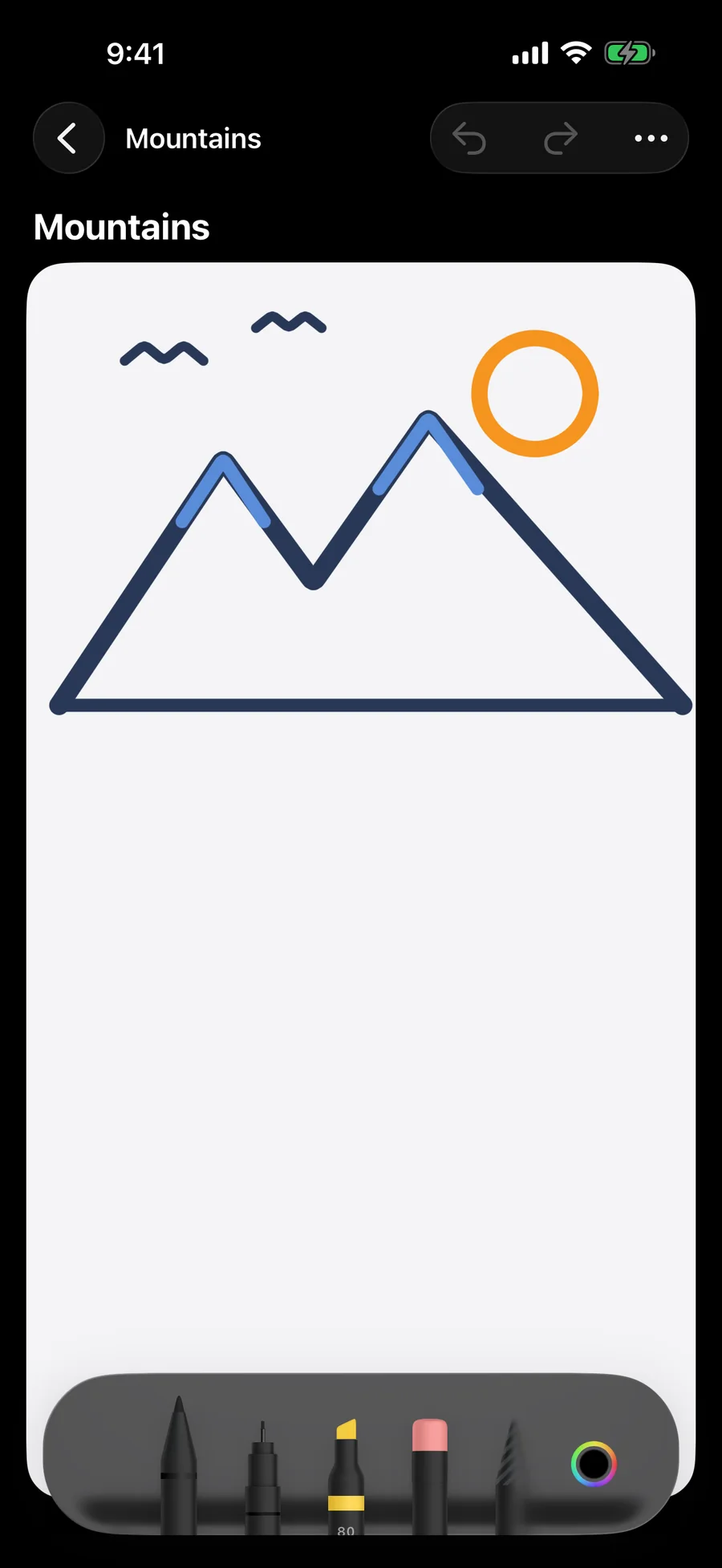
Drawing
Draw with Apple Pencil or with a finger on iPhone and iPad. The full set of tools, nothing to configure.
Any note can be a widget.
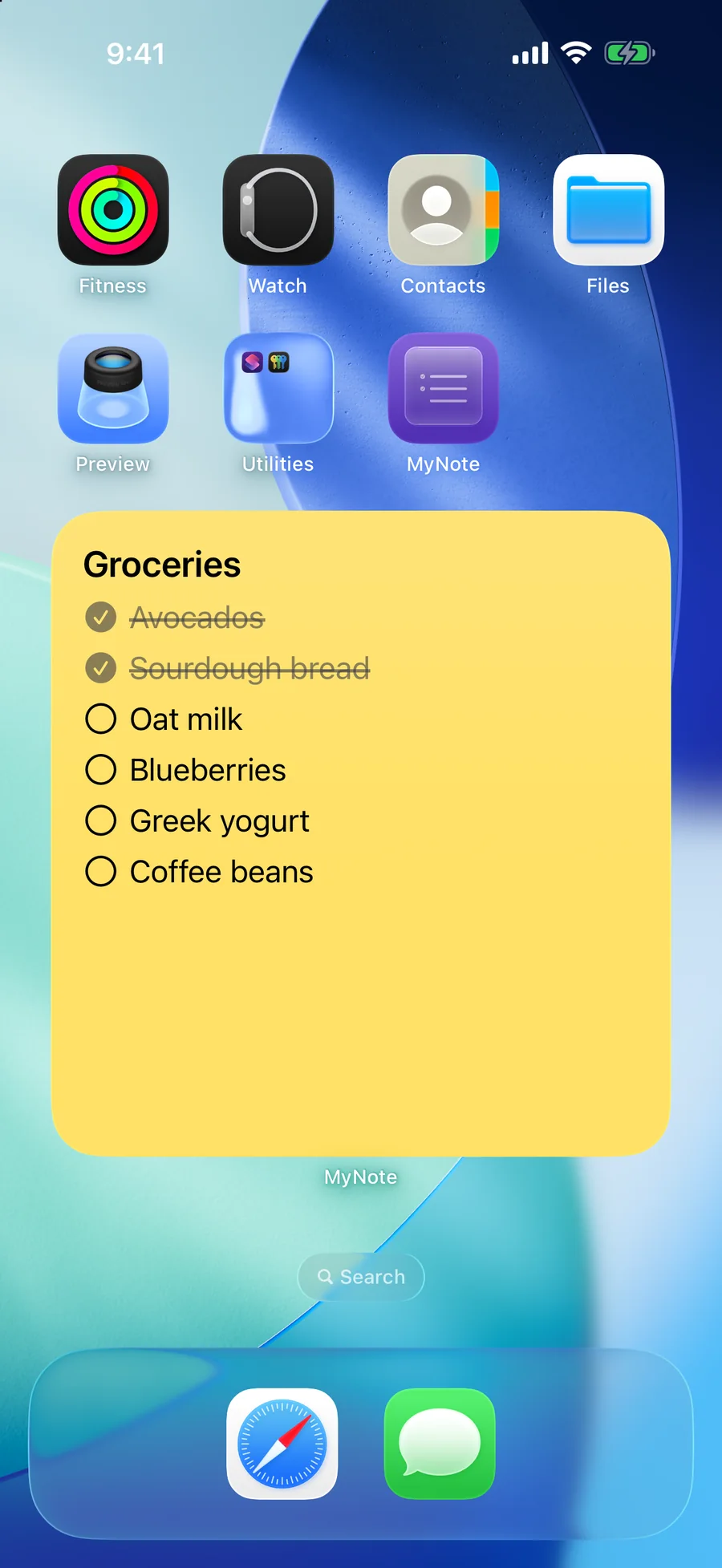
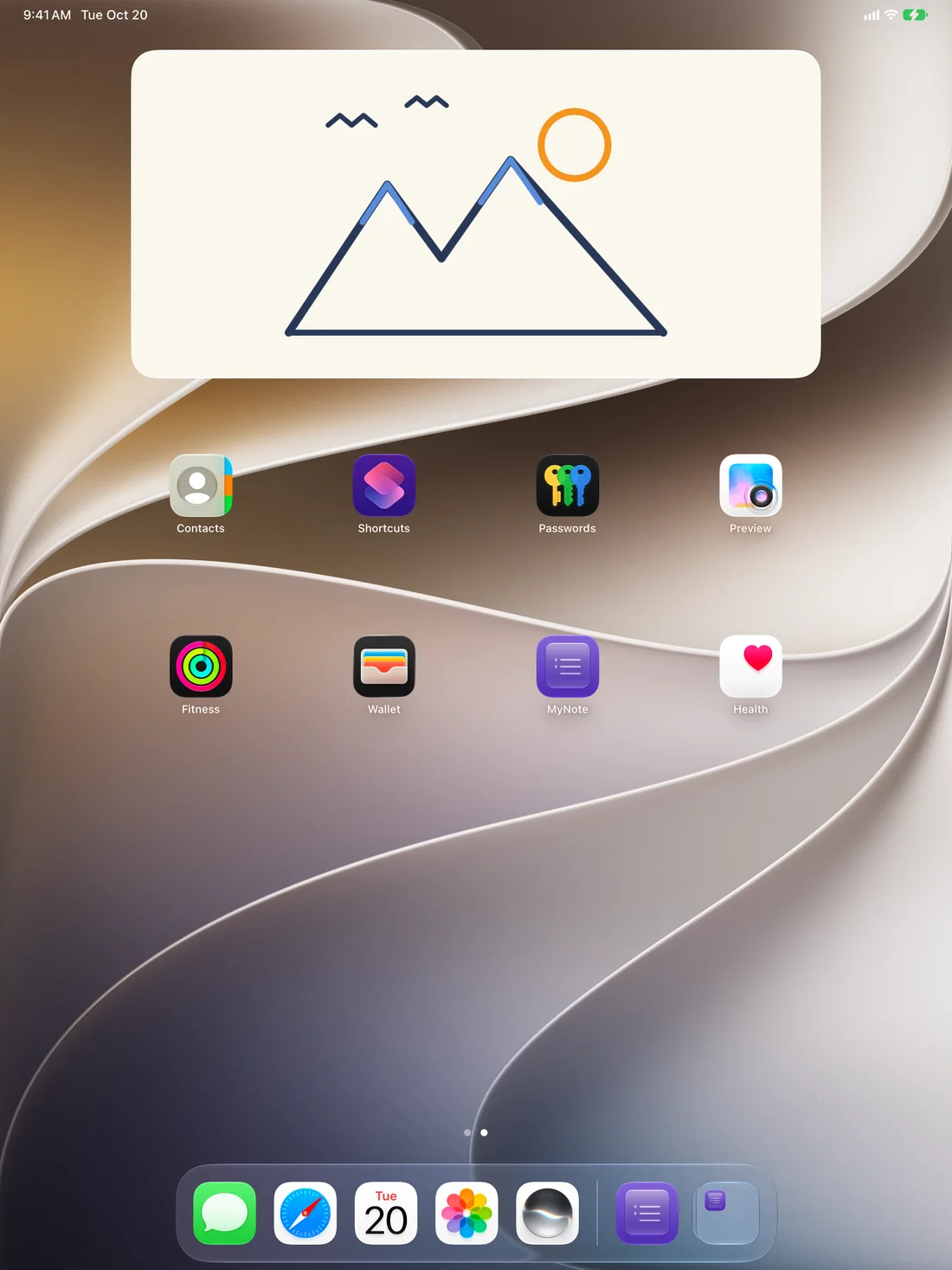
This is what MyNote is built around. Every note can go on the Home Screen, the Mac desktop or the watch face, in four sizes: small, medium, large, and extra large on iPad and Mac. Tap a widget and it opens that exact note, not a list.
Lists stay usable from the widget. Check items off on iPhone, iPad and Mac without opening the app.
On your wrist.
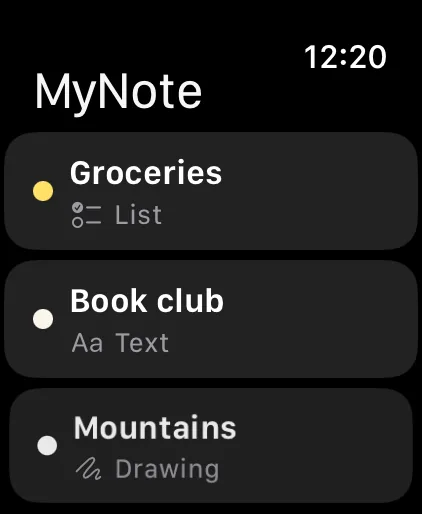
MyNote runs on Apple Watch as a full app, not a viewer. Browse your notes, edit text, check items off, add new ones and delete them.
Put a note on the watch face as a complication or in the Smart Stack, and it is one glance away.
Make it yours
Four note colors: Light, Paper, Sticky and Dark. App appearance follows the system or stays locked to light or dark. Several fonts to choose from, including handwritten ones.
The same notes everywhere
One app across iPhone, iPad, Mac and Apple Watch, not a phone app with companions. Start a note on the Mac, check an item off on the watch, finish it on the phone. Syncing runs through your own Apple account, so there is nothing to set up and no account to create.
No account. No ads. No tracking. Your notes never reach us.
There is no sign-up, no analytics, no advertising and no third party code in the app. We run no servers of our own, so your notes are never sent to us. We cannot read them even if we wanted to.
Read the privacy policyAlso in the app
- Search across every note.
- Sort by edited date, created date, title or color.
- Quick actions on the Home Screen icon to start a new note.
- Keyboard shortcuts on Mac and iPad.